In this post, you’ll find a detailed comparison guide of ClickUp and monday.com project management software. We hope this guide helps you discover which of them meets your business needs.
Project management is complex, and managing the process without a proper tool is even more so. Two of the leading platforms are ClickUp and monday.com. Both offer powerful features, but they have significant differences in approach, pricing, and ideal use cases.
ClickUp vs monday.com: Head-to-Head Comparison
| Feature | ClickUp | monday.com |
|---|---|---|
| Learning Curve | Steep – powerful but complex | Gentle – intuitive interface |
| Customization | Extremely high – build anything | Good – reasonable flexibility |
| Native Automations | Very powerful, native automation engine | Good automation, uses Zapier integration |
| Collaboration Features | Excellent – very granular controls | Excellent – visual and intuitive |
| Reporting/Analytics | Very detailed and customizable | Good visual dashboards |
| Mobile App | Good mobile functionality | Excellent mobile experience |
| Integration Ecosystem | 2000+ integrations via API | 200+ native integrations, strong Zapier support |
| Pricing | Competitive, good value at scale | Premium pricing, higher per-seat cost |
| Best For | Large teams, complex workflows, custom requirements | Mid-size teams, simplicity and speed |
Detailed Feature Comparison
1. User Interface and Ease of Use
ClickUp: Incredibly feature-rich with lots of options. The learning curve is steeper, but once mastered, power users love it.
monday.com: Deliberately simplified and visual. New users are productive much faster. Perfect for teams that want simplicity.
2. Task and Project Management
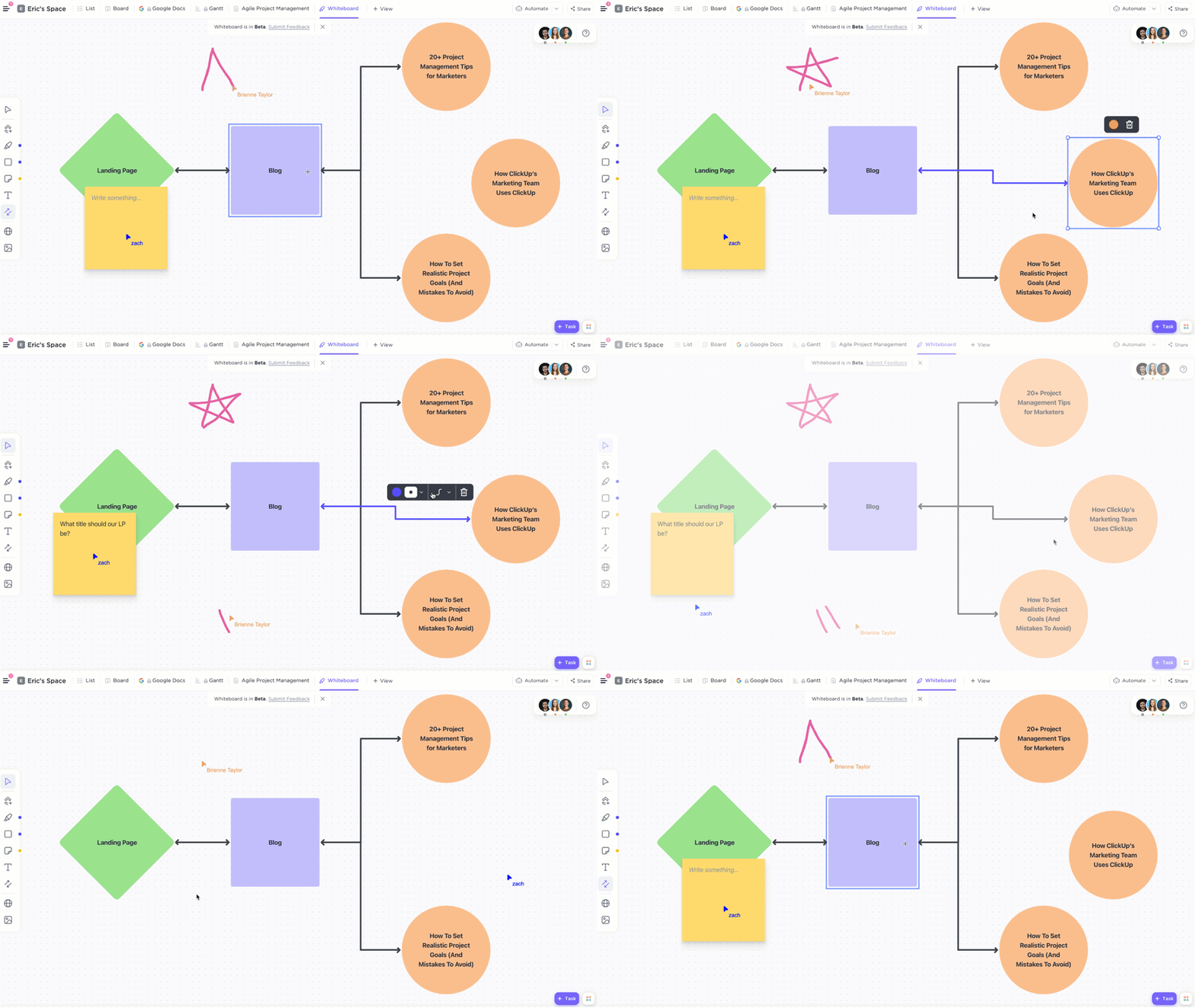
ClickUp: Supports multiple view types (list, board, calendar, timeline, workload, etc.) and allows teams to see work the way they prefer.
monday.com: Primarily board-based (kanban) with timeline and chart views. Excellent for visual thinkers.
3. Customization Capabilities
ClickUp: Nearly unlimited customization. Custom fields, statuses, automation rules, workflows, and even custom apps through ClickUp’s API.
monday.com: Good customization but more constrained than ClickUp. Less code-free options for highly specific workflows.
4. Automation and Workflows
ClickUp: Native automation engine with rule-based automation. Create complex workflows without leaving the platform.
monday.com: Automation exists but is simpler. For complex workflows, Monday relies on Zapier integration.
5. Team Collaboration
ClickUp: Comments, mentions, activity logs, and view sharing. Excellent for large teams with complex permission structures.
monday.com: Comments, mentions, and visual collaboration. Great for smaller to mid-size teams.
6. Reporting and Analytics
ClickUp: Highly customizable dashboards with detailed metrics. Export data for advanced analysis.
monday.com: Visual dashboards and charts. Good for executive-level reporting.
7. Integrations
ClickUp: 2000+ integrations through their API-first approach. Can connect almost any tool.
monday.com: 200+ native integrations, strong Zapier support for filling gaps.
Pricing Comparison
ClickUp: Free plan, then tiered by features. Generally more affordable at scale.
monday.com: No free plan beyond 2-user limited trial. Premium pricing structure, higher per-seat cost.
Who Should Choose ClickUp?
✓ Large organizations with 50+ team members
✓ Teams requiring extensive customization
✓ Complex multi-department workflows
✓ Companies needing powerful automation
✓ Teams comfortable with a steeper learning curve
✓ Organizations needing unlimited integrations
Who Should Choose monday.com?
✓ Mid-size teams (10-50 people)
✓ Teams wanting quick implementation
✓ Visual thinkers who prefer kanban boards
✓ Organizations prioritizing ease of use
✓ Teams with straightforward workflows
✓ Companies wanting strong mobile experience
The Verdict
There’s no absolute winner—it depends on your specific needs:
– If you prioritize flexibility, power, and customization: Choose ClickUp
– If you prioritize simplicity, speed, and visual clarity: Choose monday.com
At Audatia, we’re official partners for both platforms and can help you choose and implement the right solution for your team. Contact us to discuss which platform best fits your organization’s needs.