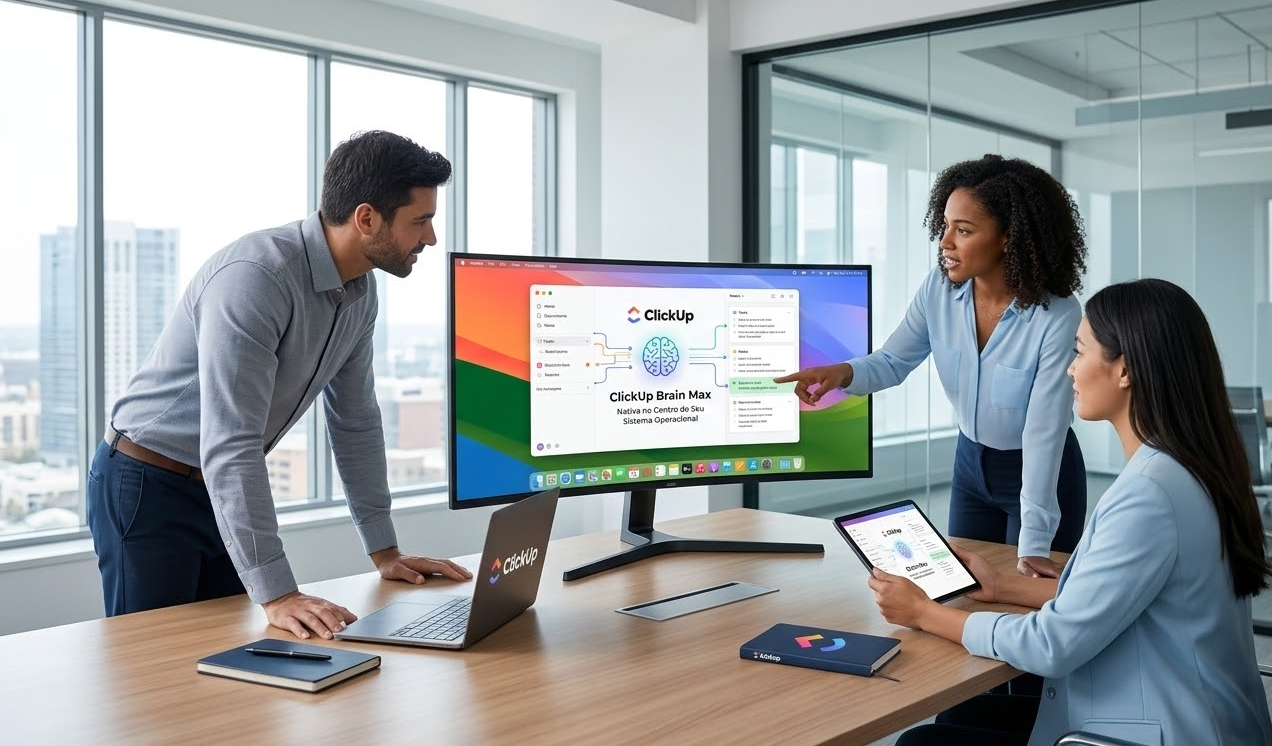
Artificial intelligence is becoming ambient—so integrated into how we work that we stop thinking of it as a separate tool. ClickUp Brain Max for Desktop represents this evolution. It’s not an app you open; it’s intelligence woven directly into your operating system.
With Brain Max on Desktop, you get AI assistance across all your work—in ClickUp, in email, in documents, in communication tools. You’re not switching between AI tools; you’re accessing unified intelligence from your OS.
At Audatia, we see this as the future of work infrastructure. AI becomes as fundamental as WiFi.

Why Desktop-Native AI Matters
Context Continuity
When AI is integrated at the OS level, it understands your entire work context: ClickUp tasks, email history, document drafts, browser history, and ongoing conversations. This context-awareness makes AI assistance exponentially more valuable.
Reduced Context Switching
Instead of jumping between tabs to access AI tools, you have one unified AI that understands your work environment and delivers assistance exactly where you’re working.
Privacy and Control
Desktop-native processing means data doesn’t traverse the internet unnecessarily. Your work remains on your machine while still benefiting from AI capabilities.

Brain Max Desktop Capabilities
1. Intelligent Writing Assistance
Composing emails, documents, or messages? Brain Max offers real-time suggestions: improving clarity, checking tone, enhancing grammar, or offering alternative phrasings. This is writing assistance that understands context.
2. Smart Summarization Across Apps
Highlight text in any application—email, documents, web pages—and Brain Max summarizes it. No copying, pasting, or switching tools.
3. Task and Calendar Integration
Brain Max understands your ClickUp tasks and calendar. It suggests priorities based on deadlines, recommends time blocking based on task complexity, and alerts you to conflicting commitments.
4. Contextual Code Assistance
For engineering teams, Brain Max provides code review suggestions, documentation generation, and debugging assistance—all with awareness of your project context.
5. Search and Knowledge Access
Needs to find something? Ask Brain Max in natural language, and it searches your local files, ClickUp workspace, emails, and documents simultaneously.
Real-World Impact
Executive and Administrative Teams
Executives spend significant time on email composition and decision documentation. Brain Max accelerates this while maintaining quality and tone. Assistants benefit from AI-powered scheduling and communication drafting.
Sales and Business Development
Sales professionals prepare proposals, send follow-ups, and maintain client communication. Brain Max ensures consistency, suggests personalization opportunities, and tracks commitments across email and ClickUp.
Engineering and Product Teams
Engineers benefit from code assistance and documentation generation. Product managers get assistance with requirement documentation and stakeholder communication.
Content and Marketing Teams
Content creators use Brain Max for editing, tone refinement, and idea generation. Marketing teams benefit from email campaign optimization and performance analysis.
Security and Privacy Framework
Desktop-native processing prioritizes privacy:
- Local Processing: Many AI capabilities run locally without cloud transmission.
- Encryption: Any data that does transit to servers is encrypted end-to-end.
- User Control: Users control exactly which applications and data types Brain Max can access.
- Audit Trails: All AI assistance is logged so users understand what was accessed and why.
Comparing Desktop Brain Max to Cloud-Only AI
Cloud-based AI services lack context about your local work. Desktop-native Brain Max integrates with your entire working environment, making suggestions far more relevant and timely. Additionally, local processing reduces latency and network dependency.
Adoption Roadmap
Successful Brain Max adoption requires:
1. Assess Readiness: Ensure your organization’s security and compliance requirements align with desktop AI capabilities.
2. Pilot with Power Users: Start with teams that spend the most time in text-based work: executives, writers, engineers.
3. Training and Documentation: Help teams understand what Brain Max can do and how to interact with it effectively.
4. Feedback and Refinement: Monitor adoption and adjust settings based on how teams are using the tool.
5. Organization-Wide Rollout: Once validated with pilots, expand to the full organization.
Measuring Success
Organizations deploying Brain Max typically report:
– 15-20% reduction in time spent on email and document writing
– Improved communication quality and consistency
– Better prioritization and time management
– Faster decision-making due to improved information access
Vision: AI should be so integrated into your work that you forget you’re using it. Brain Max on Desktop achieves this.
Implementation with Audatia
Audatia helps organizations deploy ClickUp Brain Max for Desktop securely and effectively. We handle configuration, training, security validation, and ongoing optimization.
If your organization is ready to embrace AI at the OS level and maximize productivity through integrated intelligence, let’s discuss Brain Max for Desktop implementation.